When STEP is the right source
STEP is useful when the source is CAD geometry from a mechanical design tool. It can represent solids and precise surfaces, which must be triangulated before a mesh-only STL workflow can use them.
Upload STEP or STP, preview the tessellated mesh, and export STL.
Loading 3D preview...
Direct answer
Use this STEP to STL converter when a CAD solid needs to become a slicer-ready triangle mesh. STEP or STP geometry is tessellated locally in the browser with WebAssembly, previewed as a mesh, then exported as binary STL without preserving CAD history.
Decision
These are the cases where this page should be the first stop, and the cases where a source format or a viewer is the better answer.
Case 1
STEP and STP solids are tessellated into STL triangles for printing workflows.
Case 2
browser-side CAD tessellation works best when the file contains exportable solid geometry.
Case 3
STL is mesh-only and does not preserve sketches, constraints, or parametric features.
The workflow uses the same step-and-image component pattern as the homepage: upload, preview, set parameters, then download STL.
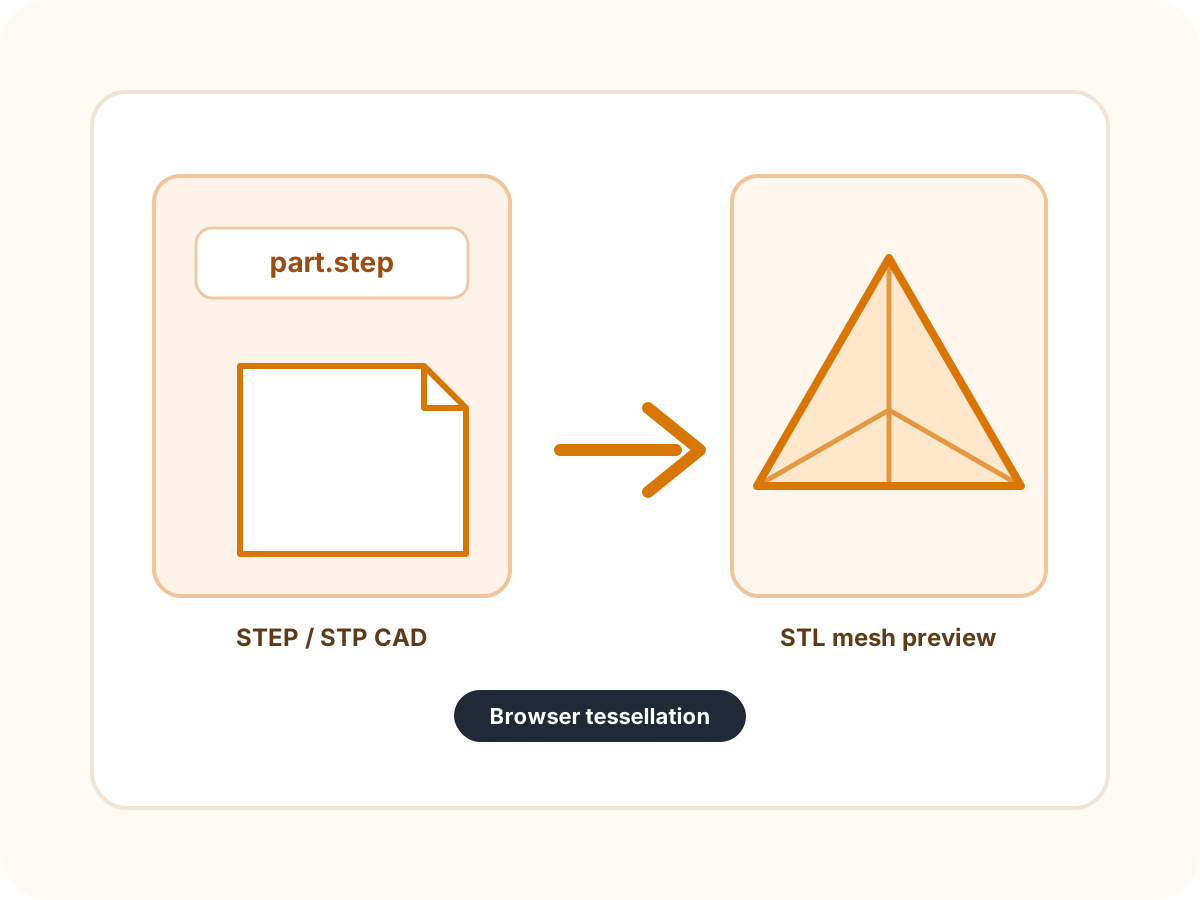
These feature blocks explain what the page can verify, what STL preserves, and where CAD-specific data is intentionally left behind.
STEP and STP describe CAD surfaces and solids. The page loads the OCCT WebAssembly runtime in the browser and tessellates exportable geometry into triangles before STL download.
Some STEP assemblies reference parts or include structure that does not become exportable mesh data. If preview or diagnostics report no mesh, return to the CAD source and export the solid body directly.
The preview shows the tessellated result, dimensions, mesh count, triangle count, and diagnostics. Users can catch empty assemblies, unsupported geometry, or very dense output before downloading.
Large STEP models can create many triangles in the browser. Check triangle count before slicing; very dense meshes can slow preview, download, and downstream processing.
The page explains that STL cannot preserve sketches, constraints, feature trees, exact curves, or parametric editability. That keeps expectations aligned for CAD users moving into printing.
STEP is best for CAD parts. If the source is a web or game asset with textures and materials, GLB to STL usually gives a more direct mesh extraction workflow.
Formats
This section is deliberately explicit: it separates supported input, output behavior, preserved data, and known limitations so the page is useful before and after conversion.
STEP is useful when the source is CAD geometry from a mechanical design tool. It can represent solids and precise surfaces, which must be triangulated before a mesh-only STL workflow can use them.
Tessellation approximates curves and surfaces with triangles. A smoother result usually means more triangles; a lighter result can show facets. This browser version uses a practical default for quick STL export.
STL cannot carry CAD feature history, assemblies as editable constraints, sketches, dimensions, materials, or exact analytic curves. Keep the STEP file as the editable engineering source.
The questions focus on choice, compatibility, and output boundaries instead of repeating the upload instructions.