3MF to STL
Use 3MF when the source is a 3D printing package. STL can carry the mesh shape to older slicers, but it does not preserve 3MF colors, materials, build data, or production metadata.
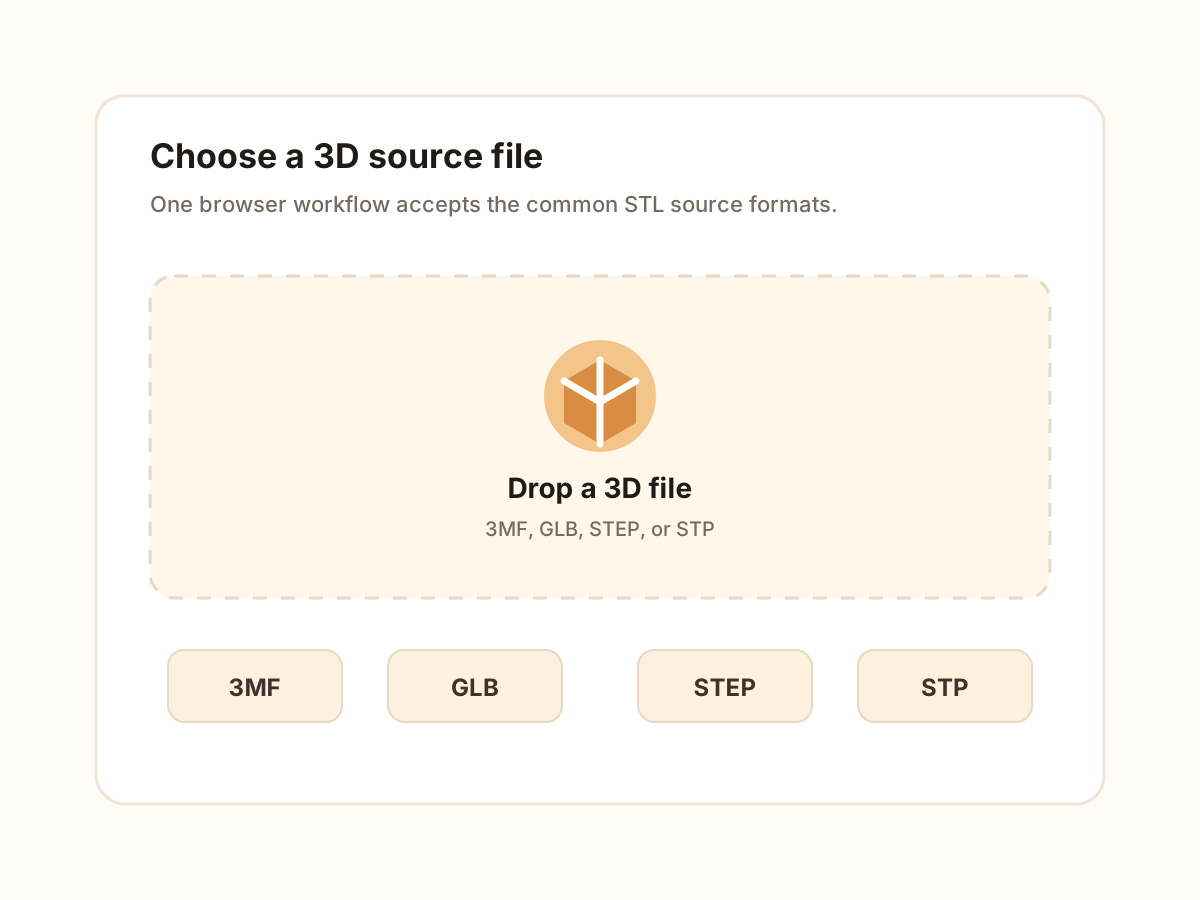
Upload 3MF, GLB, STEP, or STP, preview the model, and export STL locally.
Loading 3D preview...
Direct answer
Use this 3D file to STL converter when the source file may be 3MF, GLB, STEP, or STP and the next tool needs STL geometry. The page loads the model locally, previews parsed geometry, reports dimensions and triangle count, then exports binary STL while making clear that STL does not preserve colors, materials, textures, CAD history, or scene metadata.
Decision
These are the cases where this page should be the first stop, and the cases where a source format or a viewer is the better answer.
Case 1
one upload flow accepts 3MF print files, GLB mesh assets, and STEP/STP CAD files before exporting STL.
Case 2
the preview, dimensions, and triangle count help confirm the parsed model before a slicer or mesh tool receives STL.
Case 3
STL output keeps triangle geometry only, so color, material, texture, CAD history, animation, and scene metadata should not be part of the deliverable.
The workflow uses the same step-and-image component pattern as the homepage: upload, preview, set parameters, then download STL.
These feature blocks explain when to use the broad 3D file entry point and when a format-specific converter is the better choice.
The same workbench accepts 3MF, GLB, STEP, and STP so users can convert a folder of mixed 3D sources without guessing which page to open first. Each file is still parsed by the loader that matches its real format.
3MF usually carries print-oriented dimensions, GLB often comes from screen-scale asset workflows, and STL consumers may assume a unit convention. Compare the preview dimensions with the expected real-world size before export.
The page shows a live preview, dimensions, mesh count, triangle count, and diagnostics before download. This makes it useful as a checkpoint before a slicer, repair tool, or downstream mesh workflow.
A successful upload is not the same as a suitable STL. Review parser warnings, empty model states, triangle count, and dimensions before sending the file to a slicer or mesh utility.
3MF, GLB, and STEP/STP reach STL through different parsing paths. The page explains those differences instead of pretending every 3D file carries the same data or loses the same information.
If you already know the source is GLB or STEP/STP, the dedicated converter page gives more specific limitations and recommendations. The broad page is best when users need one entry point for mixed input.
Formats
This section is deliberately explicit: it separates supported input, output behavior, preserved data, and known limitations so the page is useful before and after conversion.
Use 3MF when the source is a 3D printing package. STL can carry the mesh shape to older slicers, but it does not preserve 3MF colors, materials, build data, or production metadata.
Use GLB when the file is a self-contained mesh asset from a web, AR, or design workflow. STL can keep the triangle geometry, but textures, PBR materials, animation, cameras, and lights are not preserved.
Use STEP or STP when the source is CAD geometry. The browser tessellates CAD surfaces into triangles for STL, so editable feature history, constraints, sketches, and exact analytic surfaces are left behind.
The questions focus on choice, compatibility, and output boundaries instead of repeating the upload instructions.