When GLB is a good source
GLB is a good source for STL when the file is self-contained and the relevant output is the physical mesh shape. It is common for web, AR, and asset exchange workflows where geometry is already triangulated.
Upload a GLB, preview the mesh, and export STL locally in your browser.
Loading 3D preview...
Direct answer
Use this GLB to STL converter when the GLB already contains printable mesh geometry and the next step is a slicer, CAD handoff, or mesh-only archive. The conversion runs in the browser, extracts triangle geometry, shows a live preview, and downloads binary STL without uploading the model.
Decision
These are the cases where this page should be the first stop, and the cases where a source format or a viewer is the better answer.
Case 1
the converter extracts mesh triangles into STL for slicers and mesh workflows.
Case 2
binary GLB keeps mesh data in one file and avoids missing external buffers.
Case 3
STL output preserves geometry only, so materials and animation are intentionally dropped.
The workflow uses the same step-and-image component pattern as the homepage: upload, preview, set parameters, then download STL.
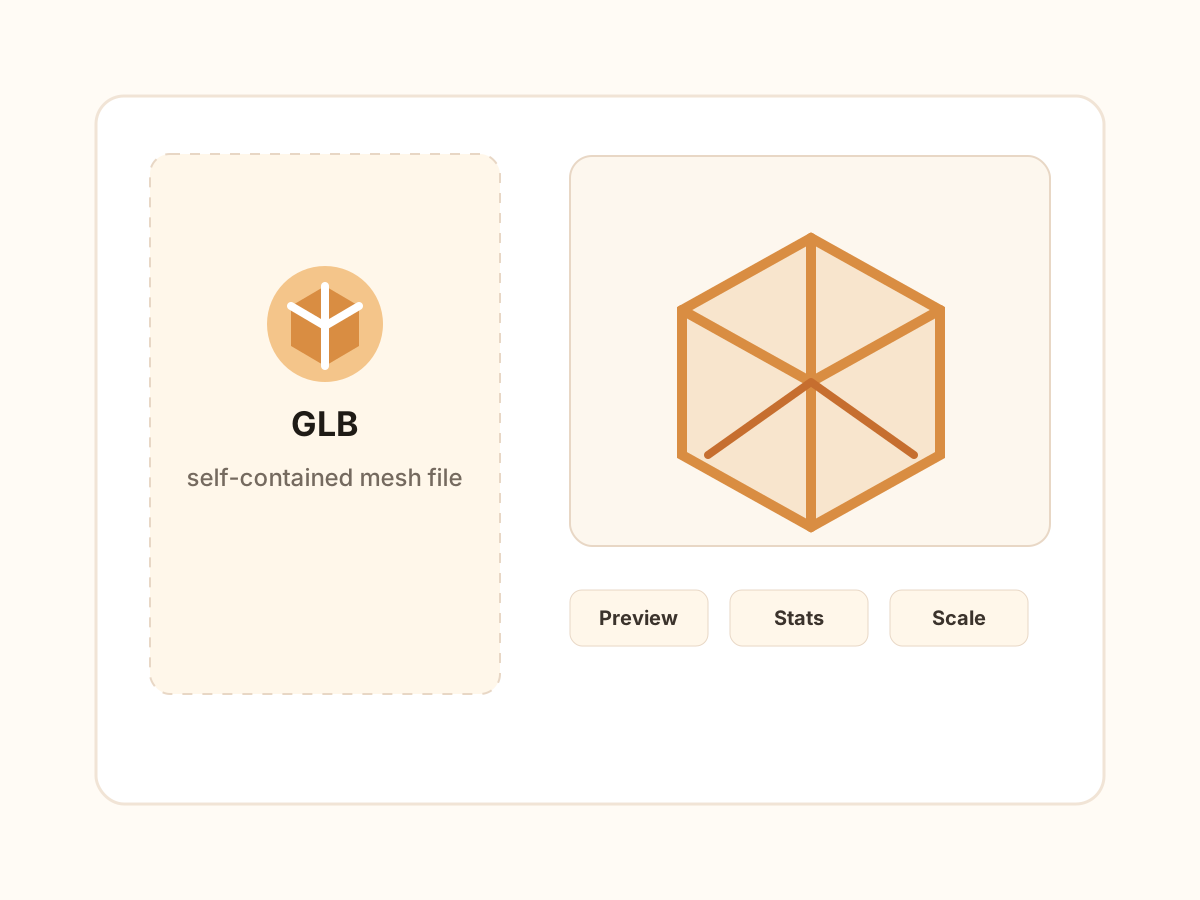
These feature blocks explain what the page can verify, what STL preserves, and where GLB-specific data is intentionally left behind.
The GLB is parsed in the browser and converted from loaded mesh buffers into STL triangles. This keeps private product models, scans, and prototype assets on the user device during conversion.
GLB assets are often authored for screen display, not millimeters. Compare the displayed dimensions with the expected real-world size and use max dimension or scale factor when the units look wrong.
A live 3D preview, dimensions, mesh count, and triangle count appear before download. This helps catch empty scenes, wrong scale, or unsuitable mesh-only output before a slicer workflow starts.
If the GLB contains several mesh nodes, decide whether one merged STL or a ZIP of separate STL files fits the downstream task. Merging is simpler for one-print objects; separate output is safer for assemblies.
Scale factor, maximum dimension, centering, drop-to-floor, and merge mode are available from the Parameters panel so the STL can be prepared for practical print or inspection workflows.
If the important detail is painted texture, normal map detail, transparency, or PBR material appearance, STL is the wrong target. Use the viewer first and keep GLB for visual review.
Formats
This section is deliberately explicit: it separates supported input, output behavior, preserved data, and known limitations so the page is useful before and after conversion.
GLB is a good source for STL when the file is self-contained and the relevant output is the physical mesh shape. It is common for web, AR, and asset exchange workflows where geometry is already triangulated.
STL is widely accepted by slicers and mesh tools. Converting GLB to STL makes the geometry easier to hand to a 3D printing or mesh inspection workflow that does not understand GLB scenes.
STL is geometry-only. It cannot preserve GLB textures, material assignments, animation tracks, cameras, lighting, node hierarchy, or scene metadata. Keep the GLB as the source archive if those details matter.
The questions focus on choice, compatibility, and output boundaries instead of repeating the upload instructions.